Statistics
Billing reports, account and unit statistics, vehicle tracking data, trip analysis, and maintenance control
Start TrialVehicle Tracking Statistics
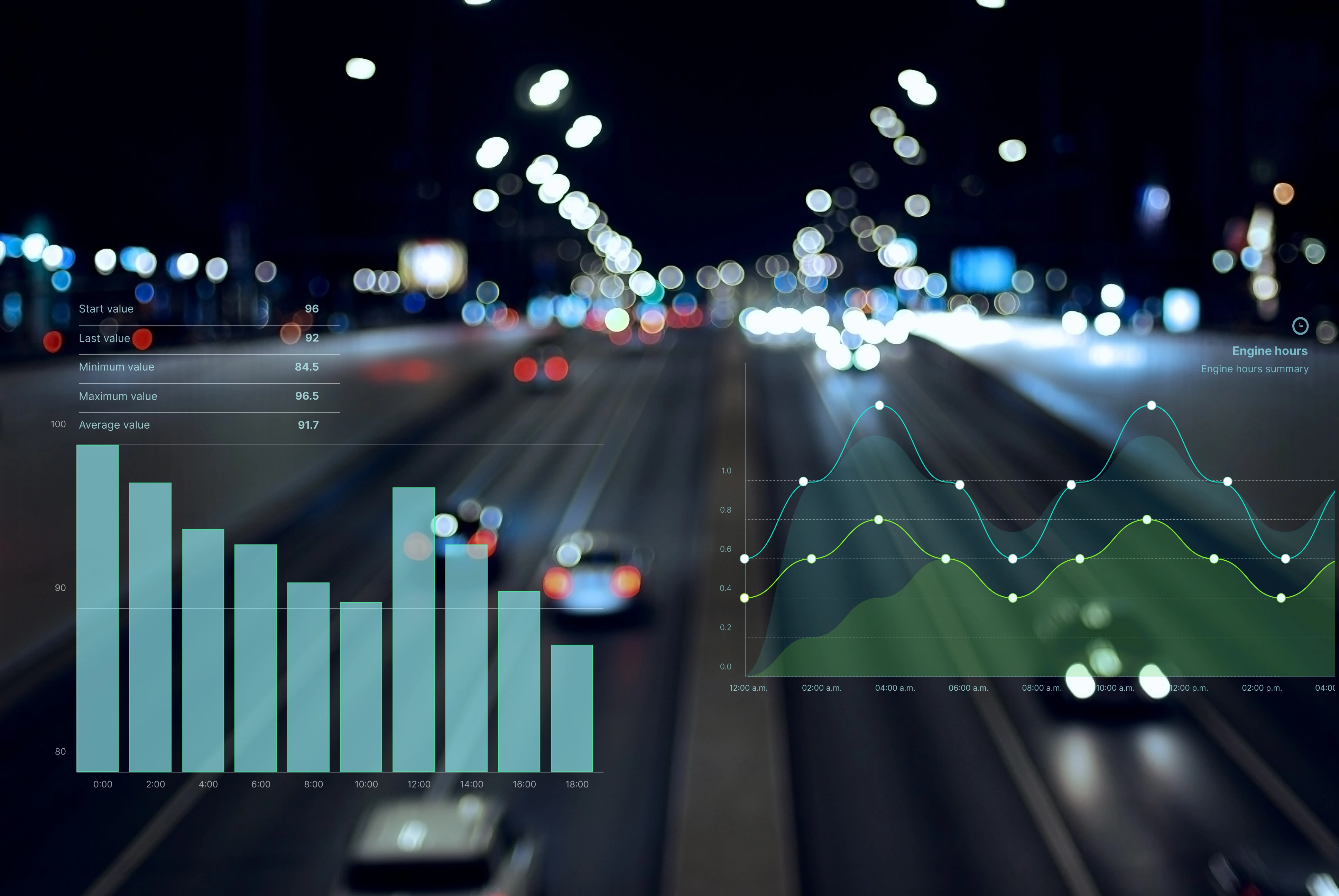
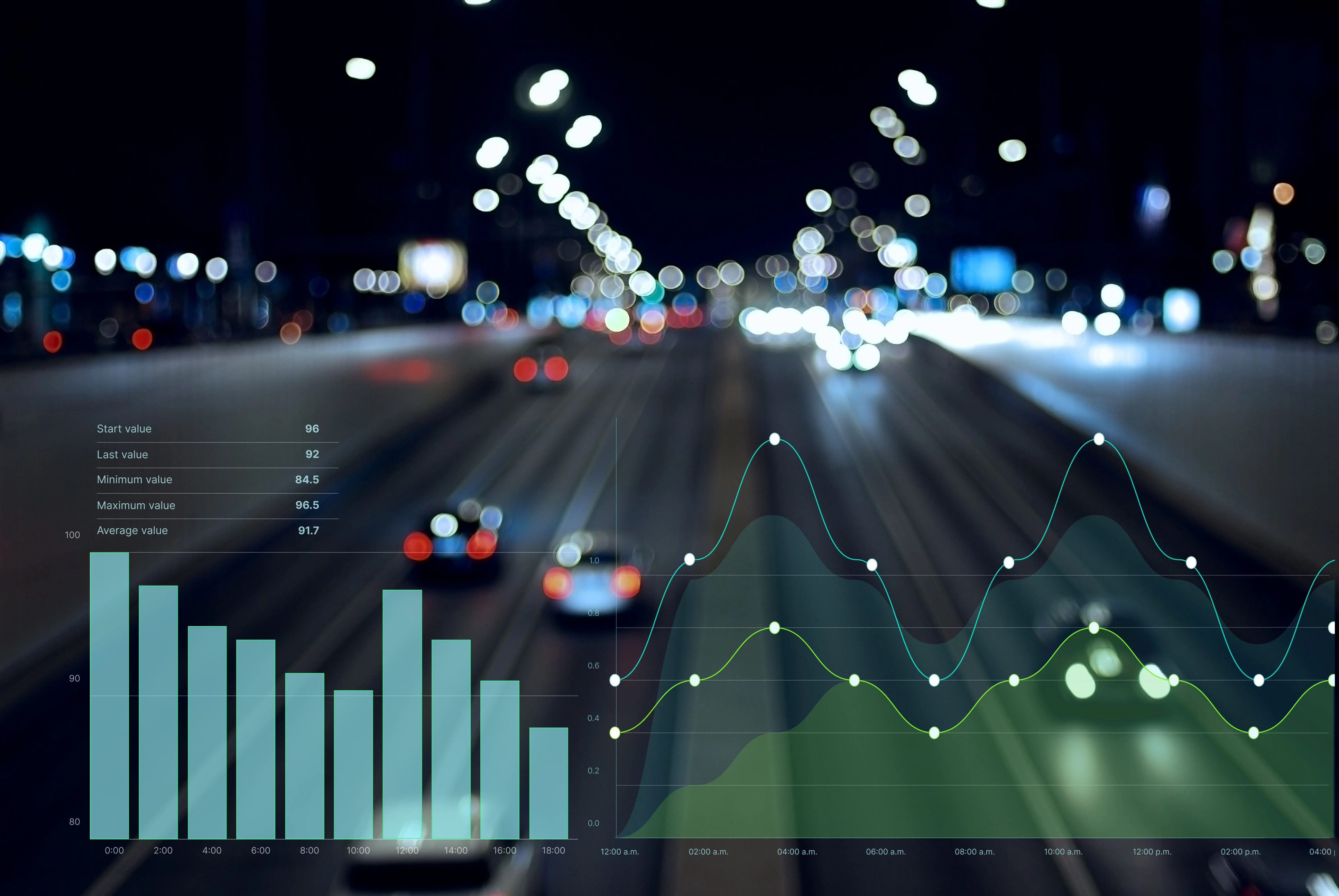
Analytics with mileage tracking, engine hours, and chart creation capabilities
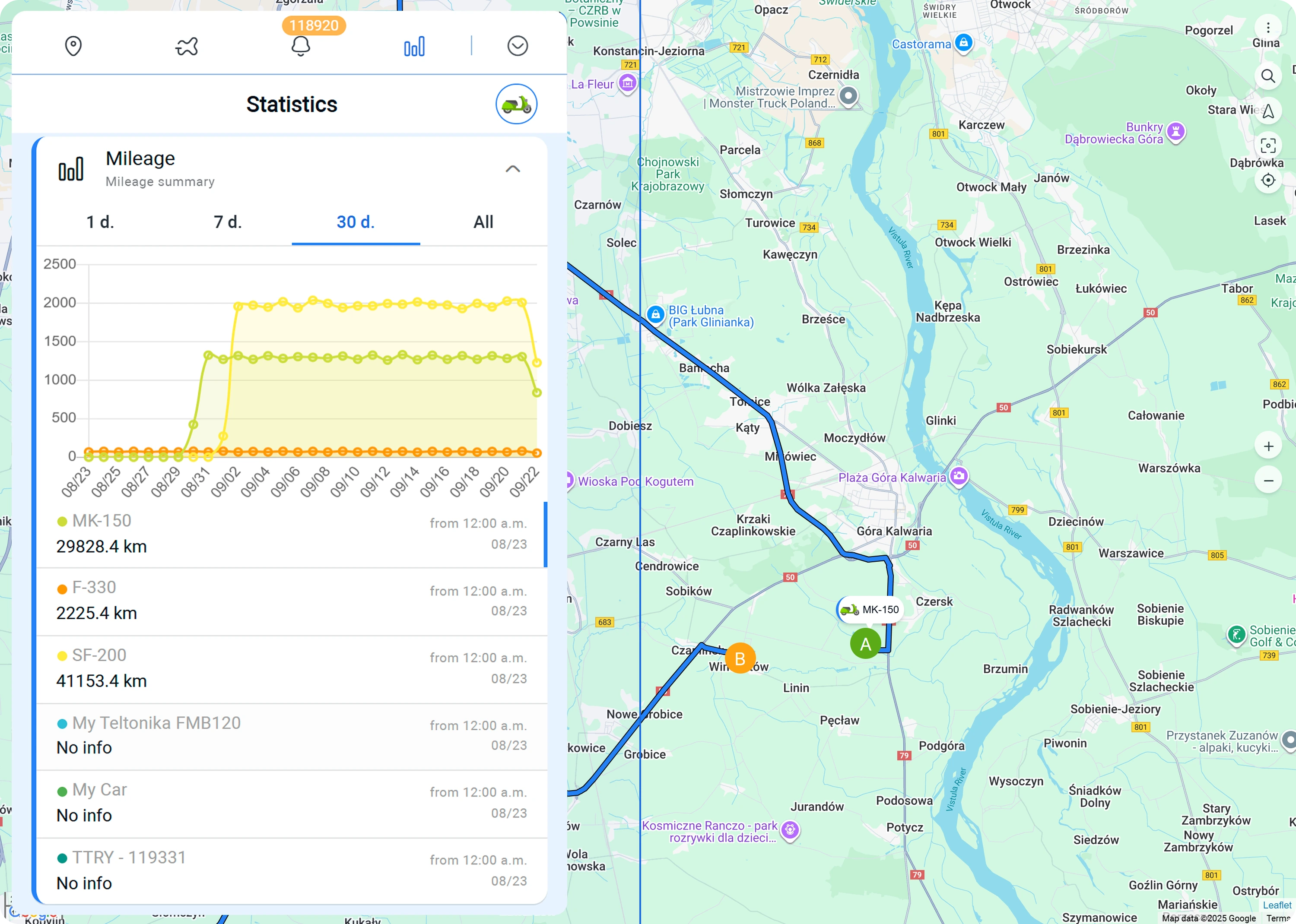
Mileage
Track total distance traveled and daily mileage reports. Use vehicle usage data for maintenance planning and cost analysis.
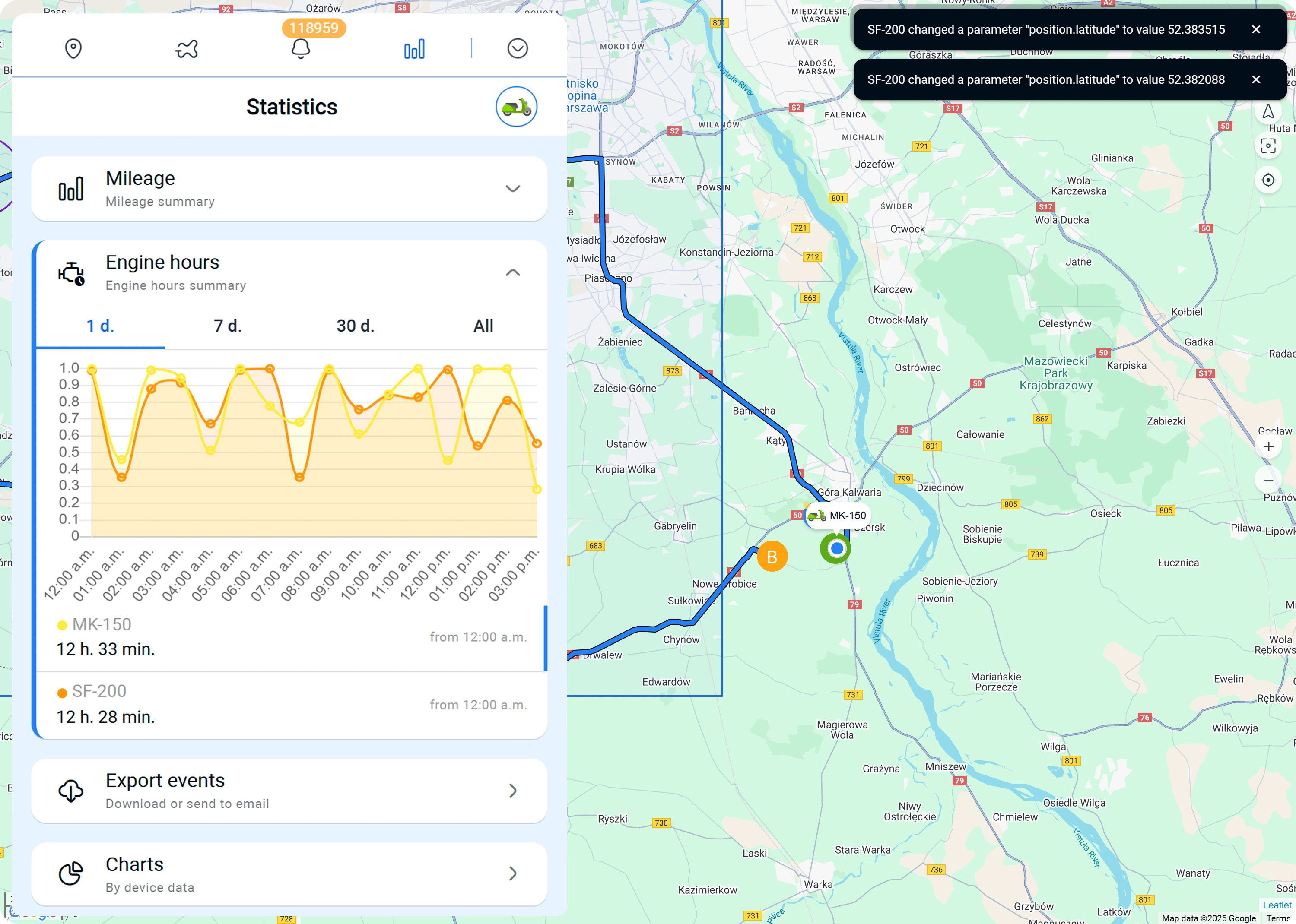
Engine Hours
View total engine hours and daily runtime statistics. Track operating hours to prevent excessive wear.
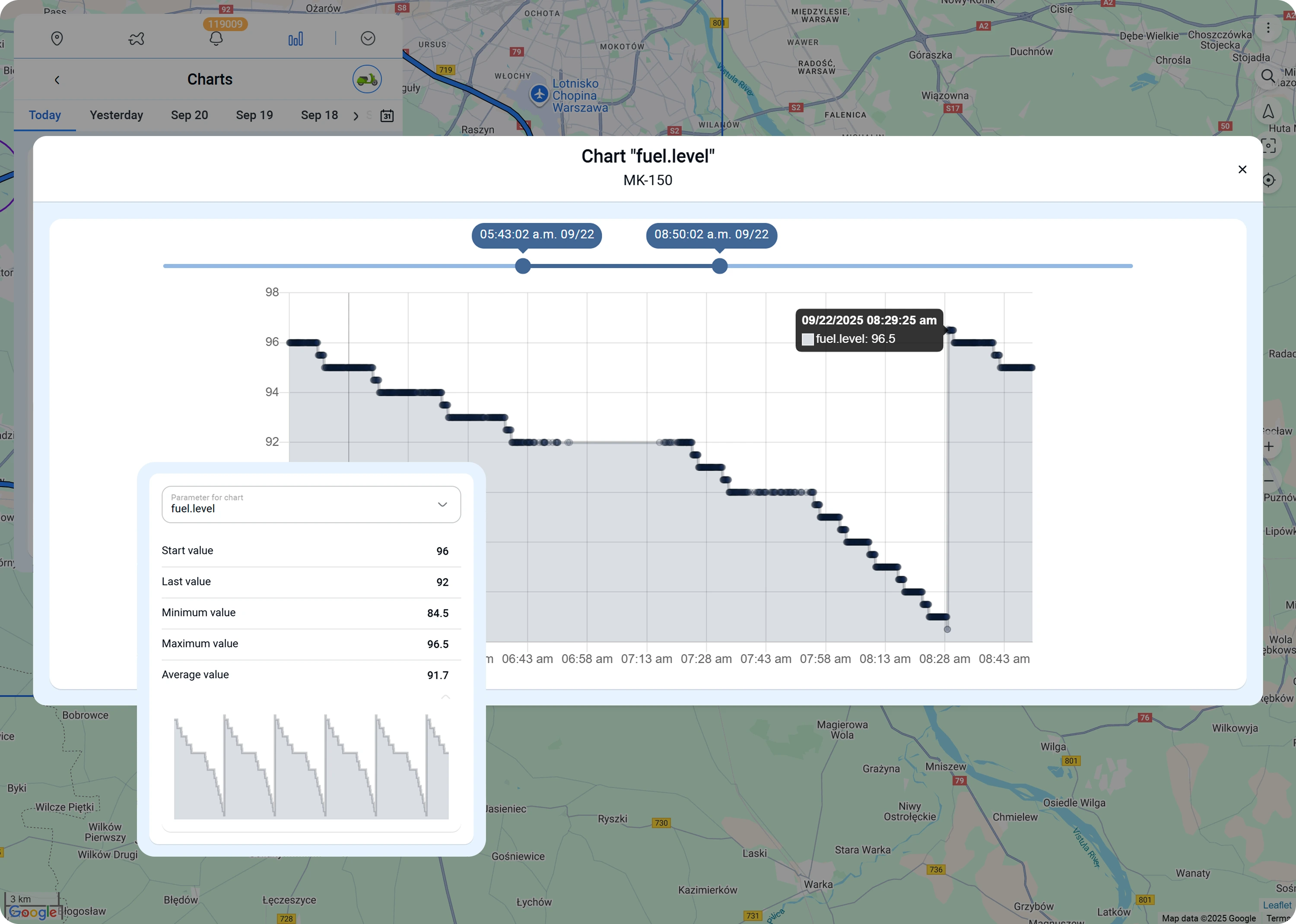
Charts
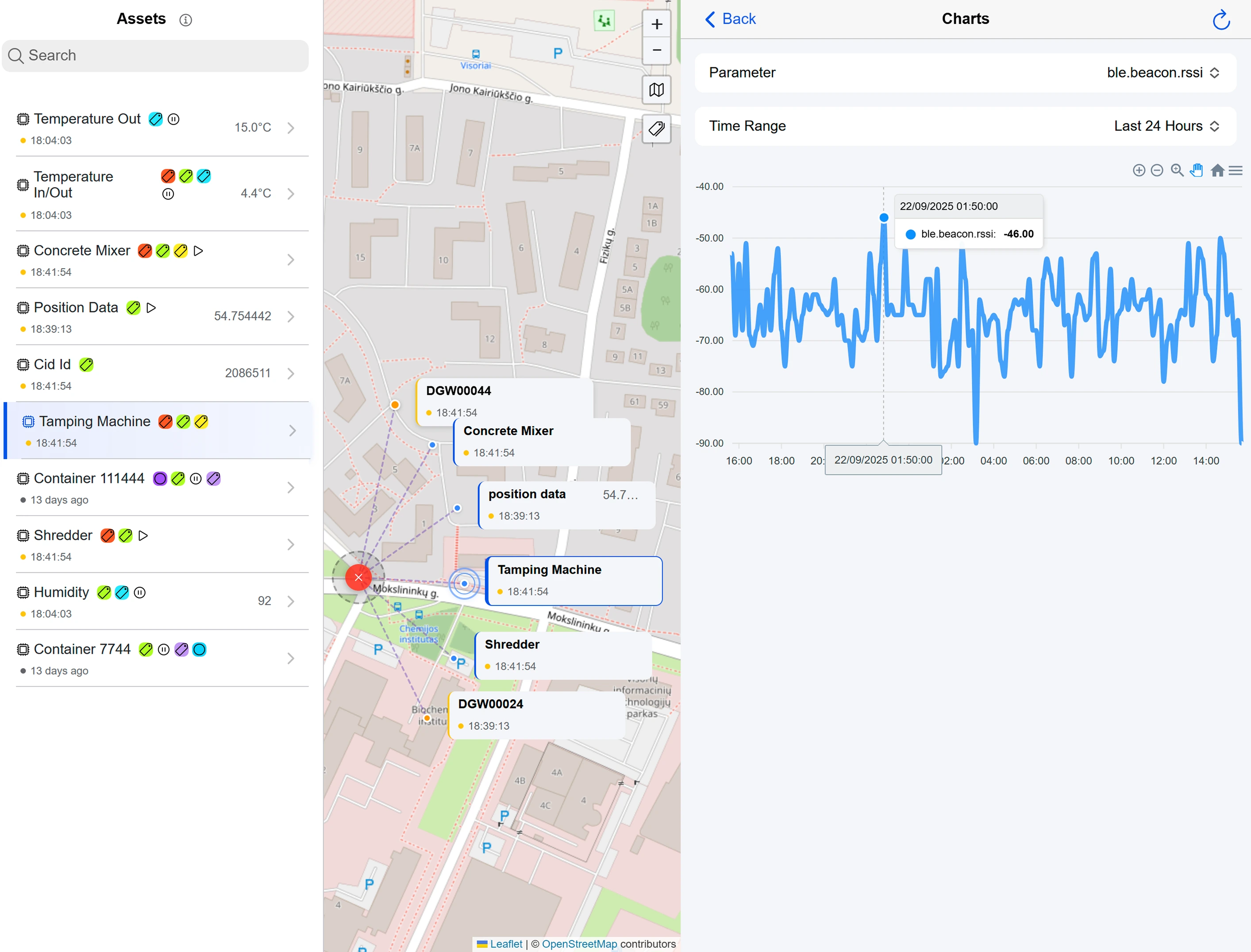
Build charts for any parameters: speed, fuel consumption, battery voltage, and more.


Reports and Analytics
Export vehicle data reports and create dynamic templates

Event & History Reports
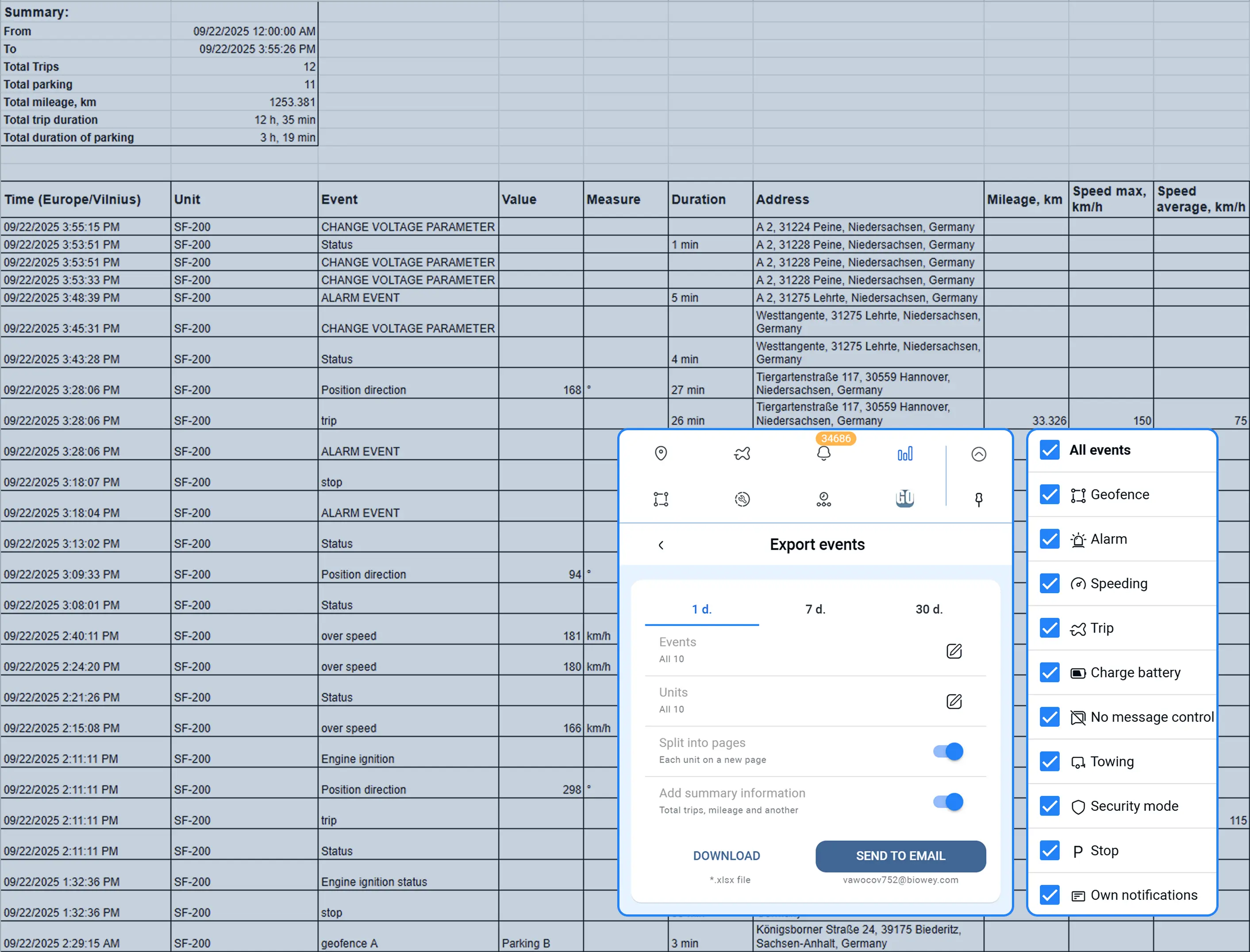
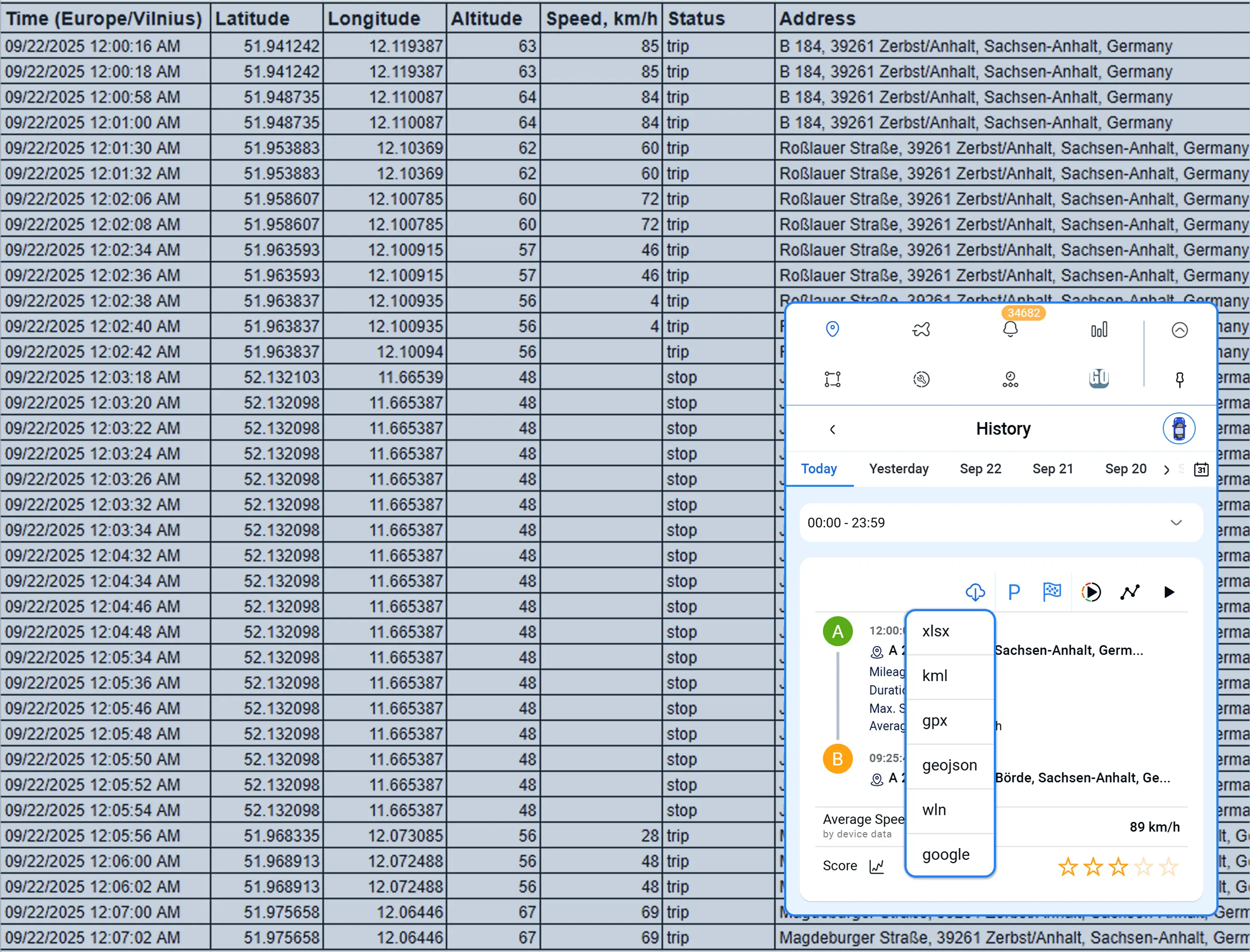
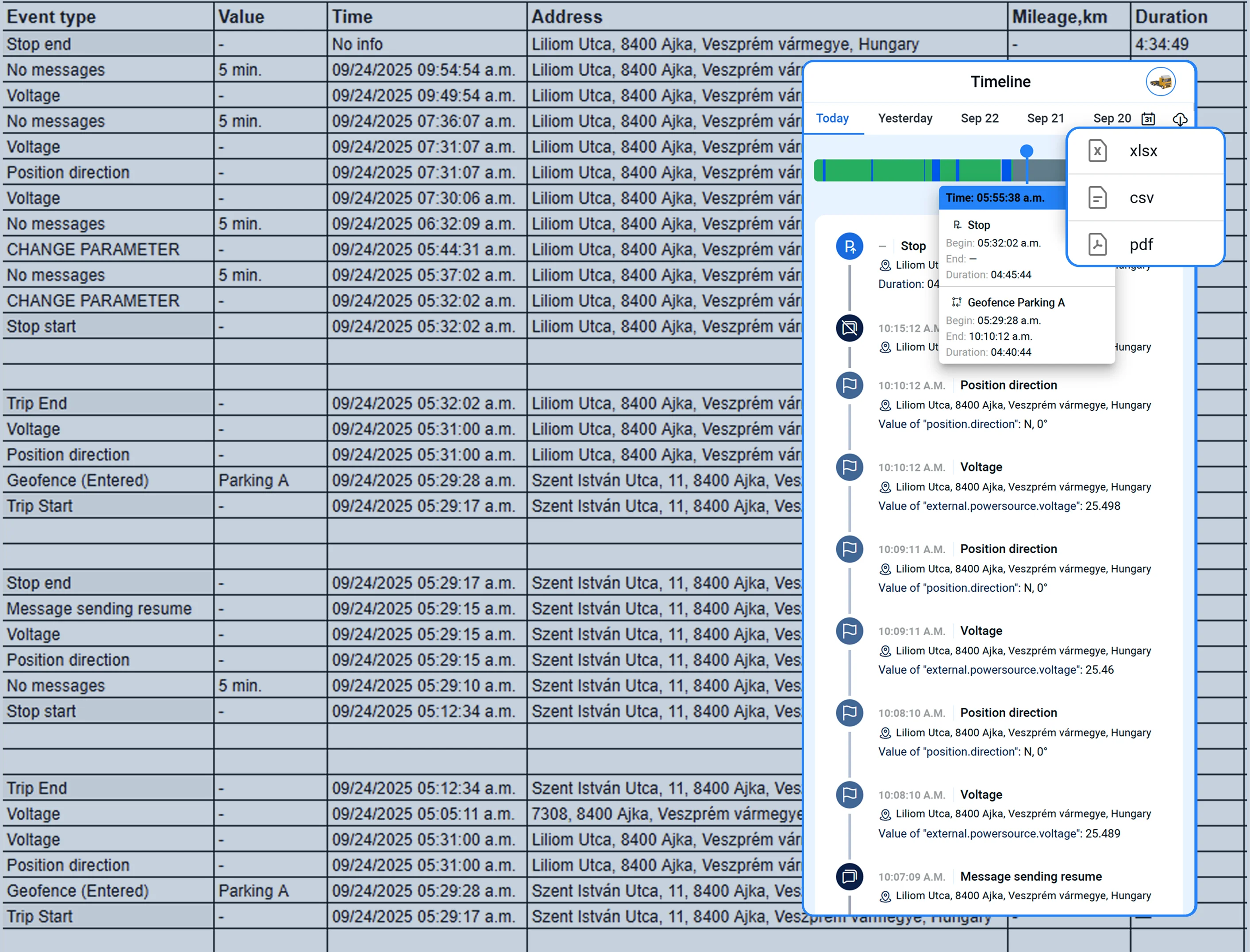
Generate and download reports in various formats: XLSX, KML, CSV, PDF, and others. Export trip history, events, and complete tracker message logs


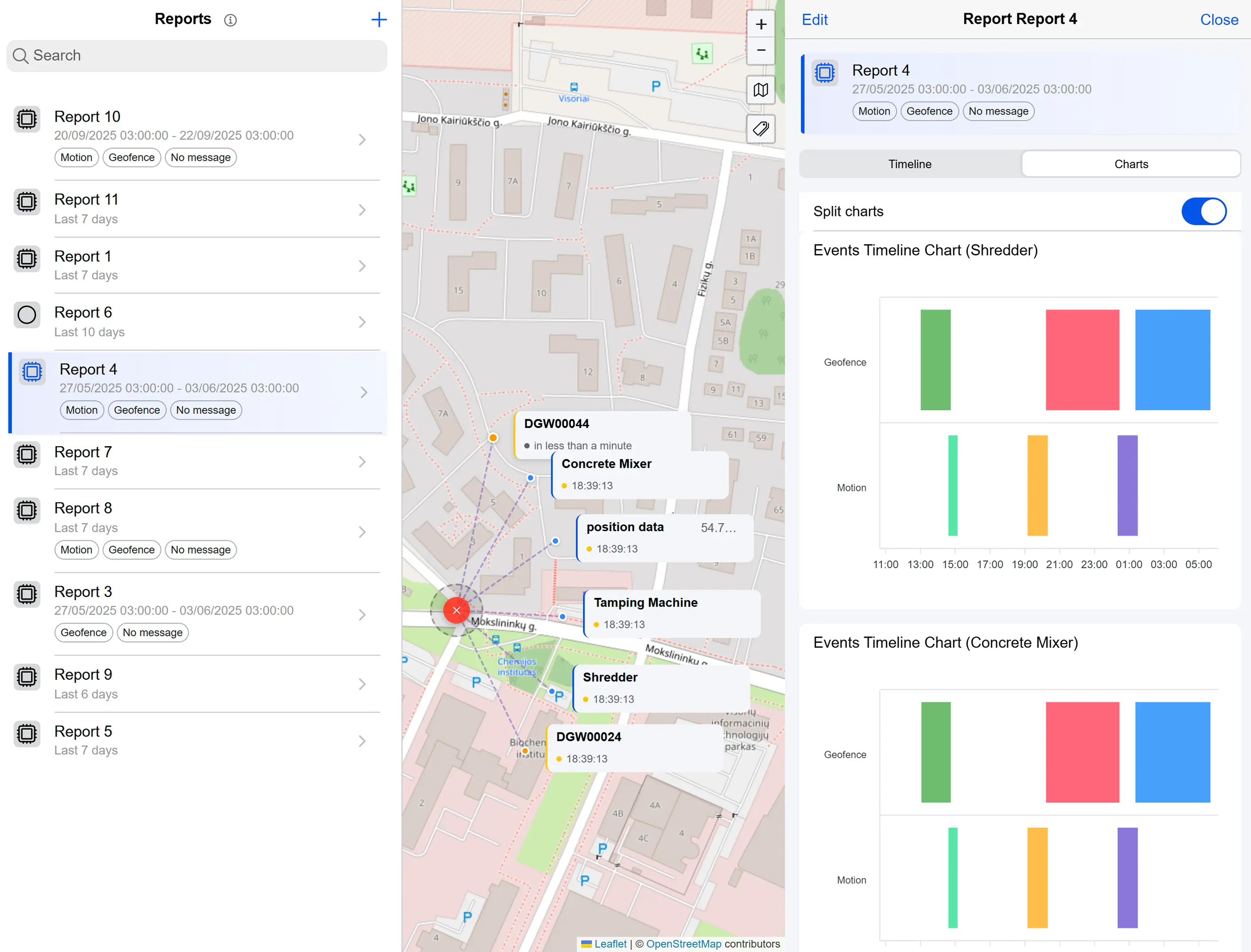
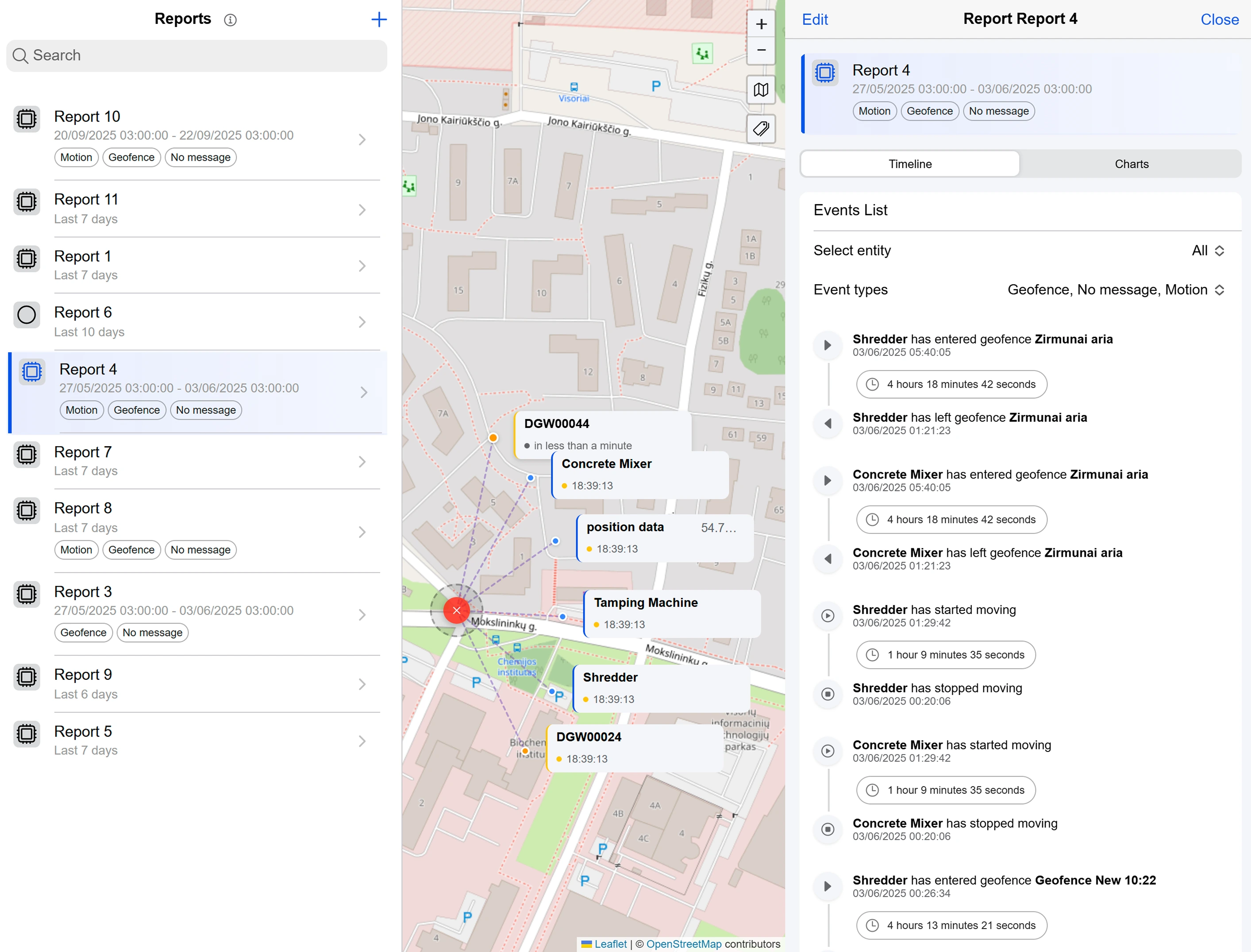

Template Reports
Create report templates with flexible time periods and automatic data updates. View results through interactive charts and timeline graphs.
Service Provider Statistics
Client statistics and financial reporting tools

Accounts & Devices
View real-time statistics on activated and non-activated client accounts, connected and disconnected units, and track unit growth over time.
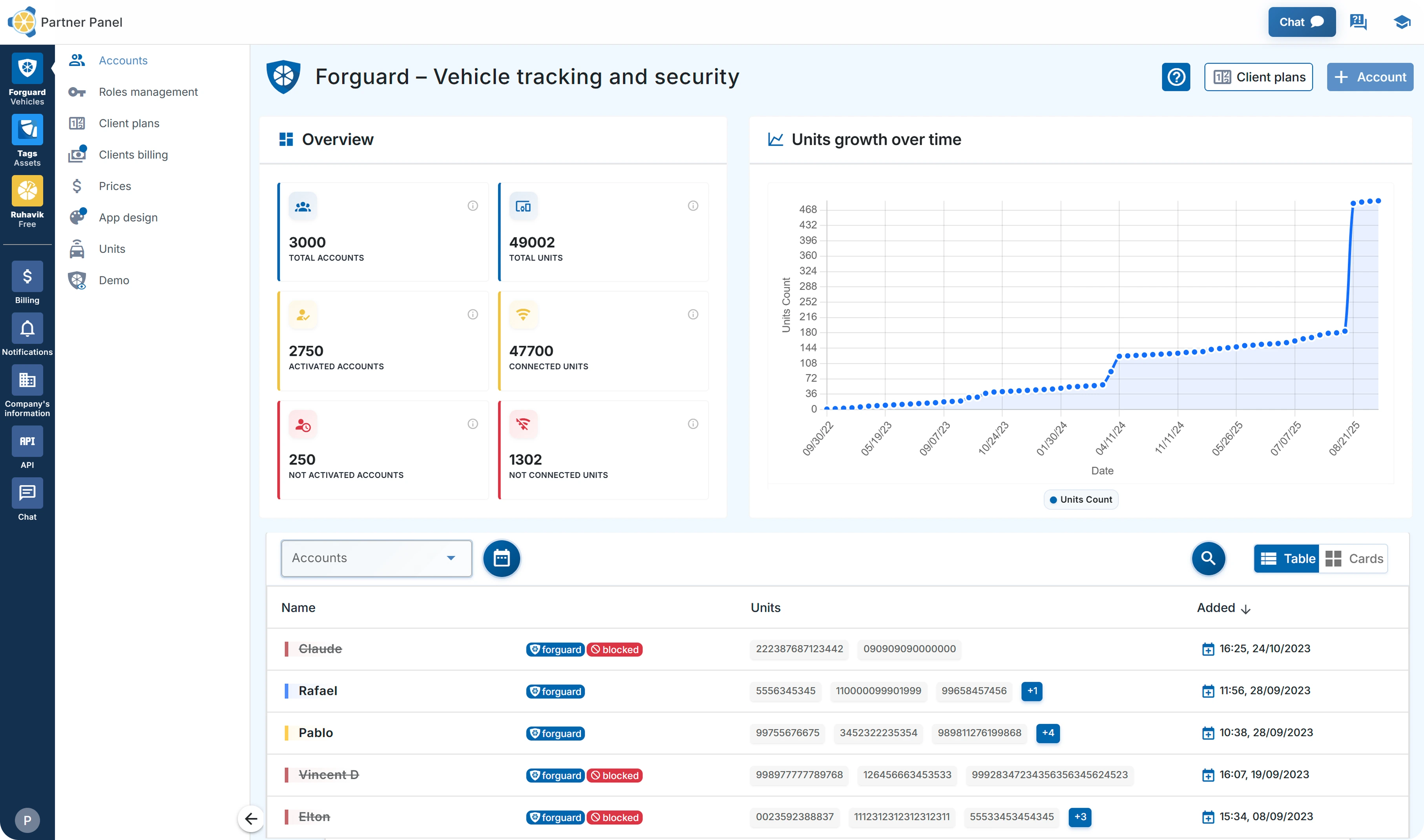
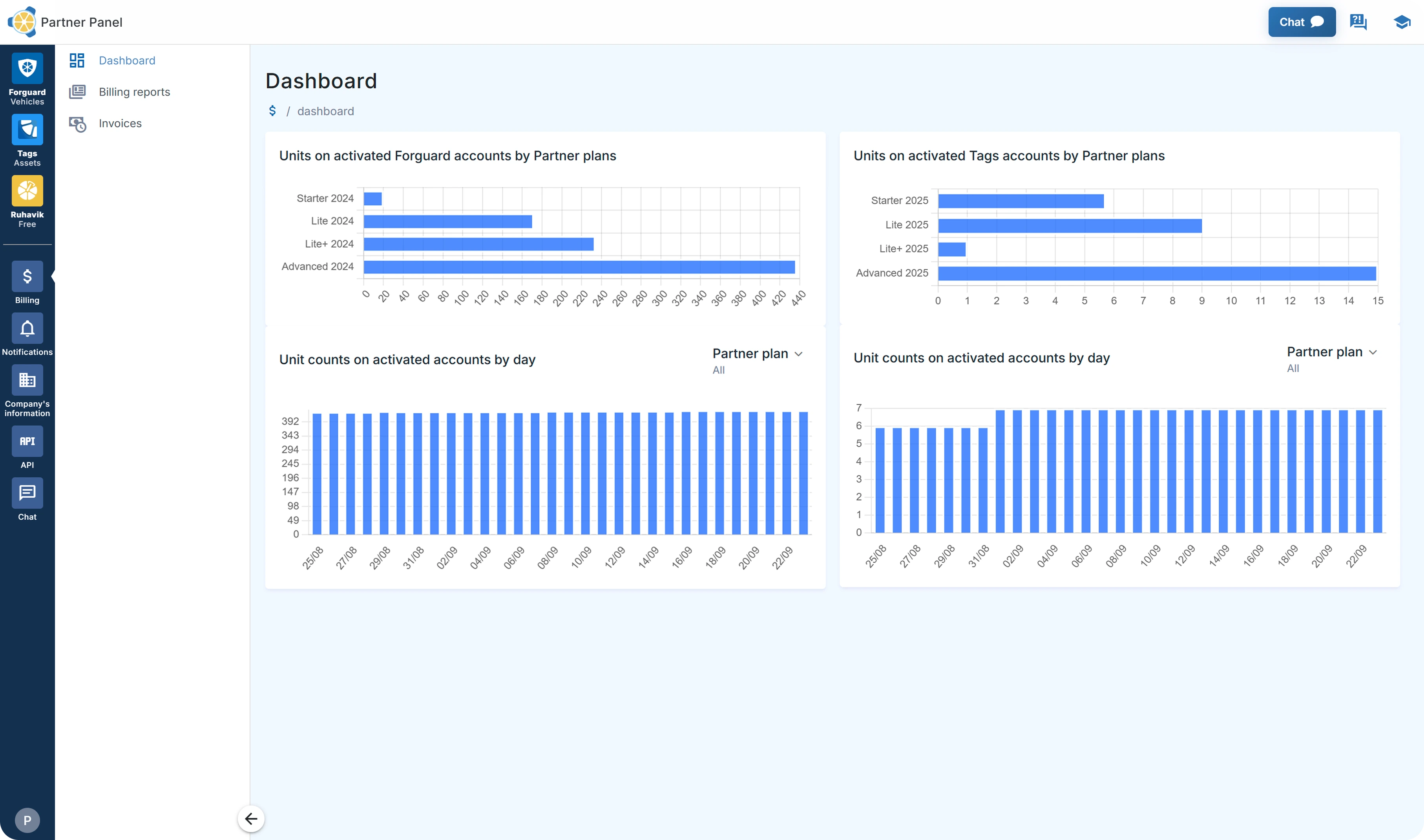
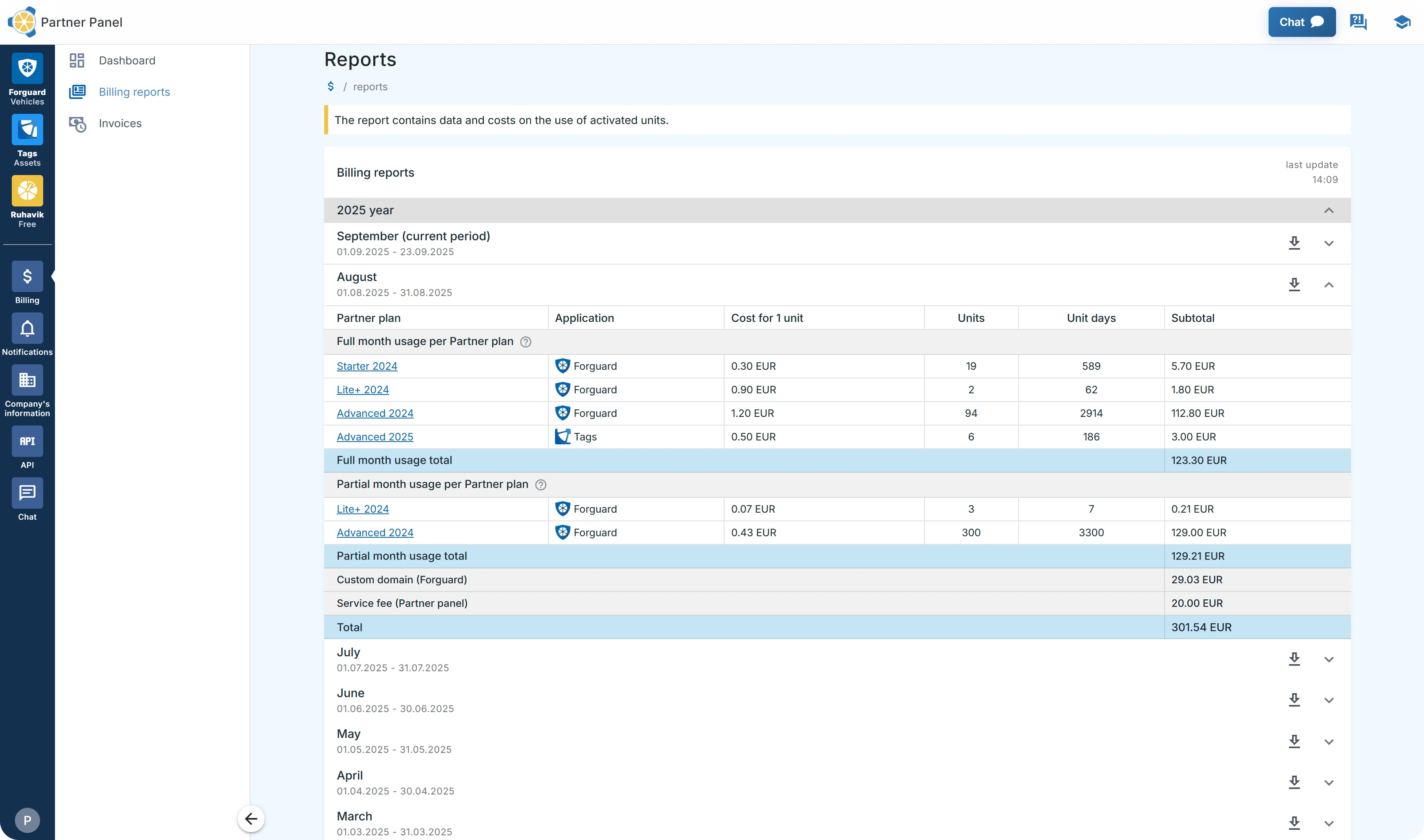
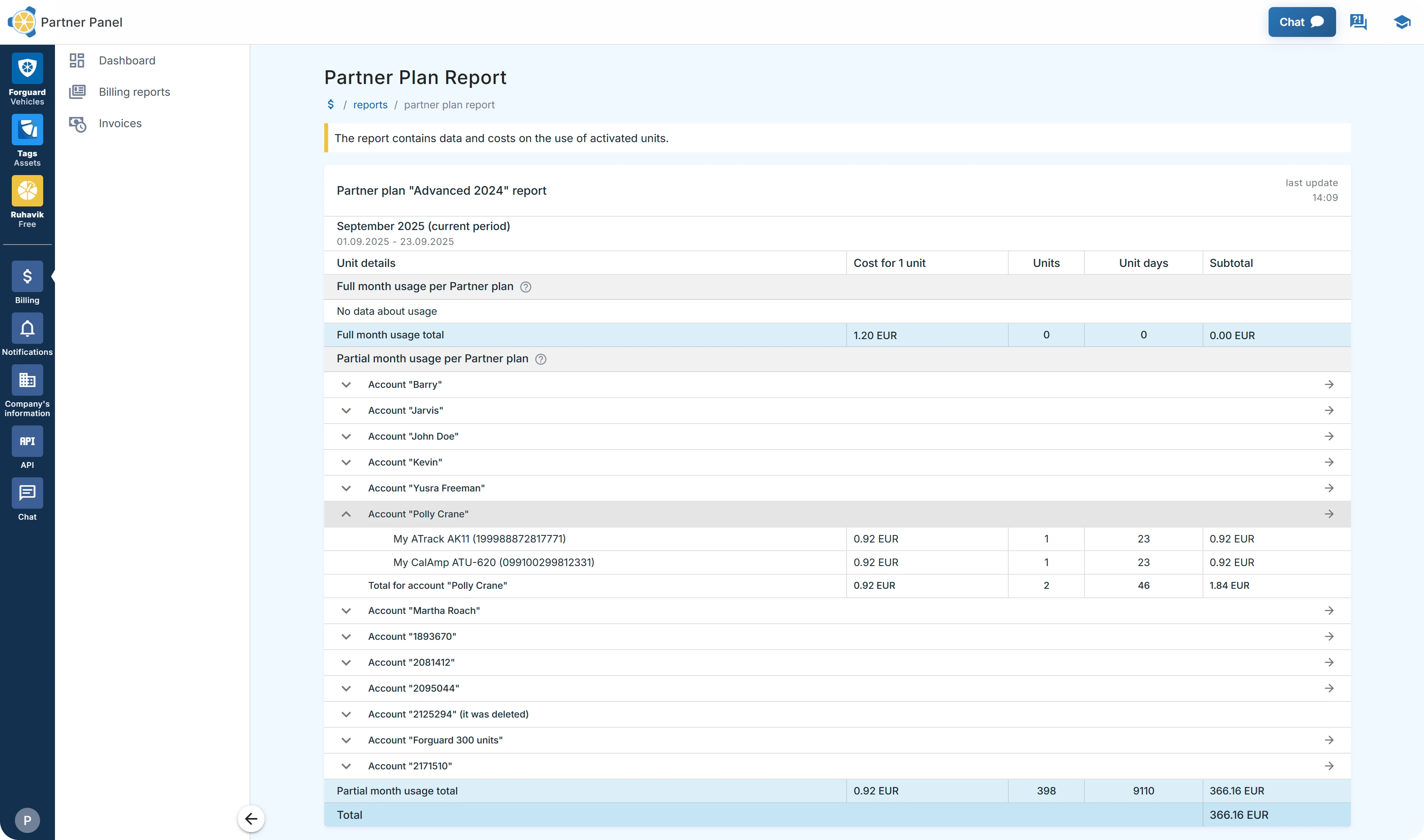

Detailed Billing Reports
Access billing reports showing detailed calculations by account, unit, and billing period. Download billing data for accounting needs.
Forguard: GPS Statistics and Reports
Today, we'd like to highlight the statistics and reports features available in our solution. Immediate access to accurate statistics is crucial in GPS tracking.
With Forguard GPS tracking software, the immediacy of these statistics helps in maintaining high operational standards and minimizing potential downtime, thereby significantly boosting the productivity and profitability of your fleet.
In our application, there's a particularly useful section called “Statistics.” This section includes four key features: Mileage, Engine Hours, Charts, and Export Events, along with information on the number of units and geofences (both created and total available).


